360 degree photo explained: what it is and how it works
A 360 degree photo captures a full scene you can explore in every direction. See how cameras, stitching, file formats, and real-world uses fit together.

Contents
A 360-degree photo is an interactive panoramic image that surrounds the camera’s position, letting viewers look left, right, up, and down instead of seeing only one fixed frame. It can be captured with a dedicated camera or made by stitching overlapping shots, then shared in a format and platform viewers can use. For homes, hotels, events, and showrooms, it helps people explore a space remotely, while flat photos remain better for subjects that need one carefully chosen angle.
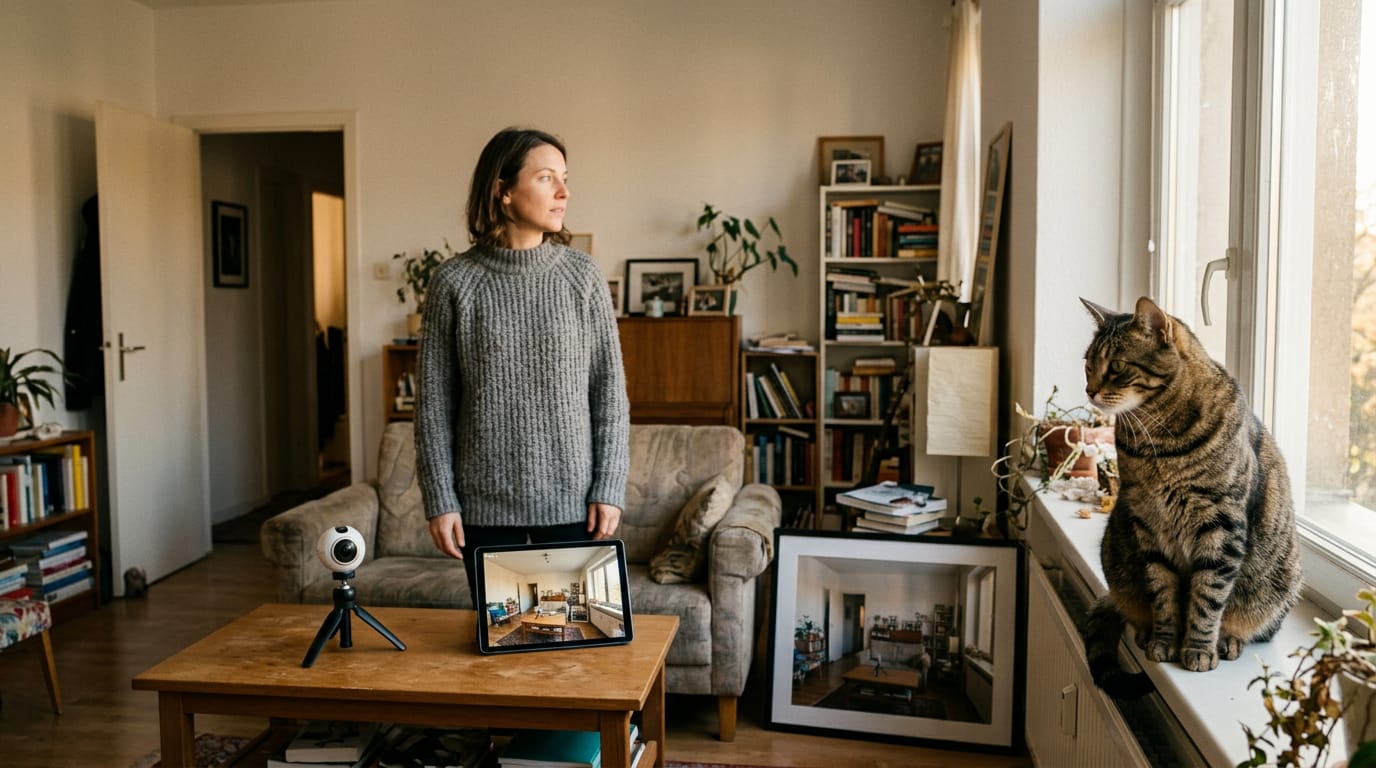
Picture standing in the middle of a room and slowly turning in a circle, taking in the windows, furniture, and doorway behind you. A 360 degree photo works the same way.
It captures everything around one point, so a viewer can look left, right, up, or down as if they were standing there.
For freelancers, these images show up in listings, virtual tours, and showrooms, so they’re worth understanding.
In this post, we’ll cover what they are, how they’re shot, stitched, and viewed, which file formats and stock options you’ll see, and where clients put them to work.
What a 360 Degree Photo Is
A 360-degree photo puts the viewer in the middle of a scene instead of in front of it. Here’s what that means and how it compares to the flat photos you’re used to delivering.
A panoramic image you drag and zoom
A controllable panoramic image is a picture that surrounds the spot where it was taken. You’ll also hear it called a 360-degree photo, and the two names mean the same thing.
Instead of one frame, the viewer sees everything around the camera’s position. They drag to turn left, right, up, or down, and zoom in on a detail or pull back for the wider view. The viewer controls the view, not the photographer.
Think of a freelance photographer hired to shoot a small coffee shop for its website. A few flat photos show the counter, the window seat, and the back room, one angle at a time.
A 360-degree photo lets a customer stand in the middle of the shop and turn around before they ever walk through the door. Customers arrive already knowing the layout, and you’ve delivered a shoot that covers the whole room in one place.
How it differs from flat photos
A flat photo shows a scene, while a 360-degree photo lets people explore it. Static photos aren’t interactive: the viewer can look at the frame, but can’t look anywhere else. That’s where a 360 pulls ahead.
Because the viewer chooses where to look, a 360-degree photo explores space better than a single frame can. People can scan the room, check the far wall, or find the exit on their own without asking you for another angle.
Flat photos still earn their place. A product on a white background, a headshot, or a magazine spread is built around one carefully chosen angle, and a 360 can’t replace that. Keep both in your toolkit.
Sometimes the space is the story. Sometimes the frame is.
How These Photos Are Shot and Viewed
So how do you make a 360 degree angle photo? It’s less about expensive gear and more about a steady routine.
Gear and stitching the shots together
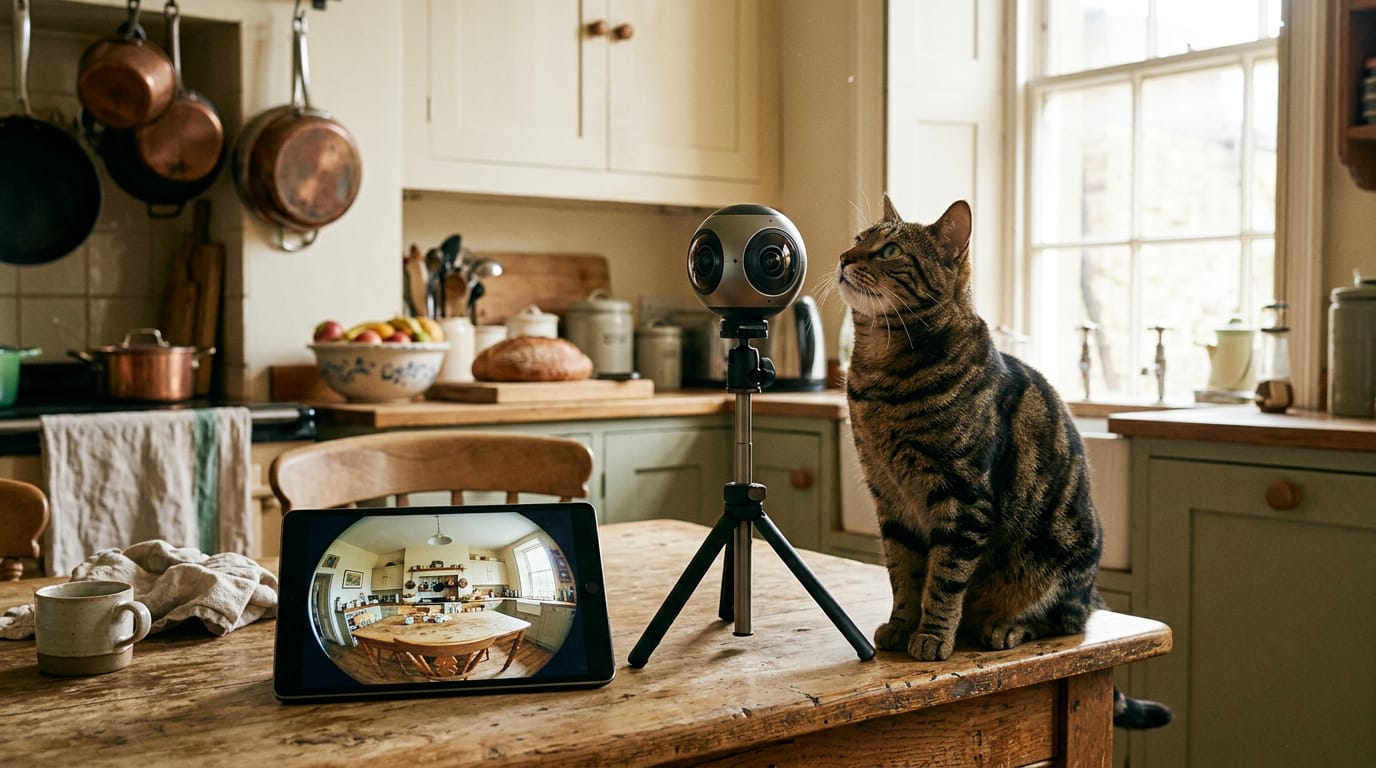
A dedicated 360 camera captures the full sphere in one go. A DSLR (digital single-lens reflex) camera works too, but it means taking multiple shots from one spot.
Stitching is the process of combining those overlapping frames into a single panoramic result that wraps all the way around.
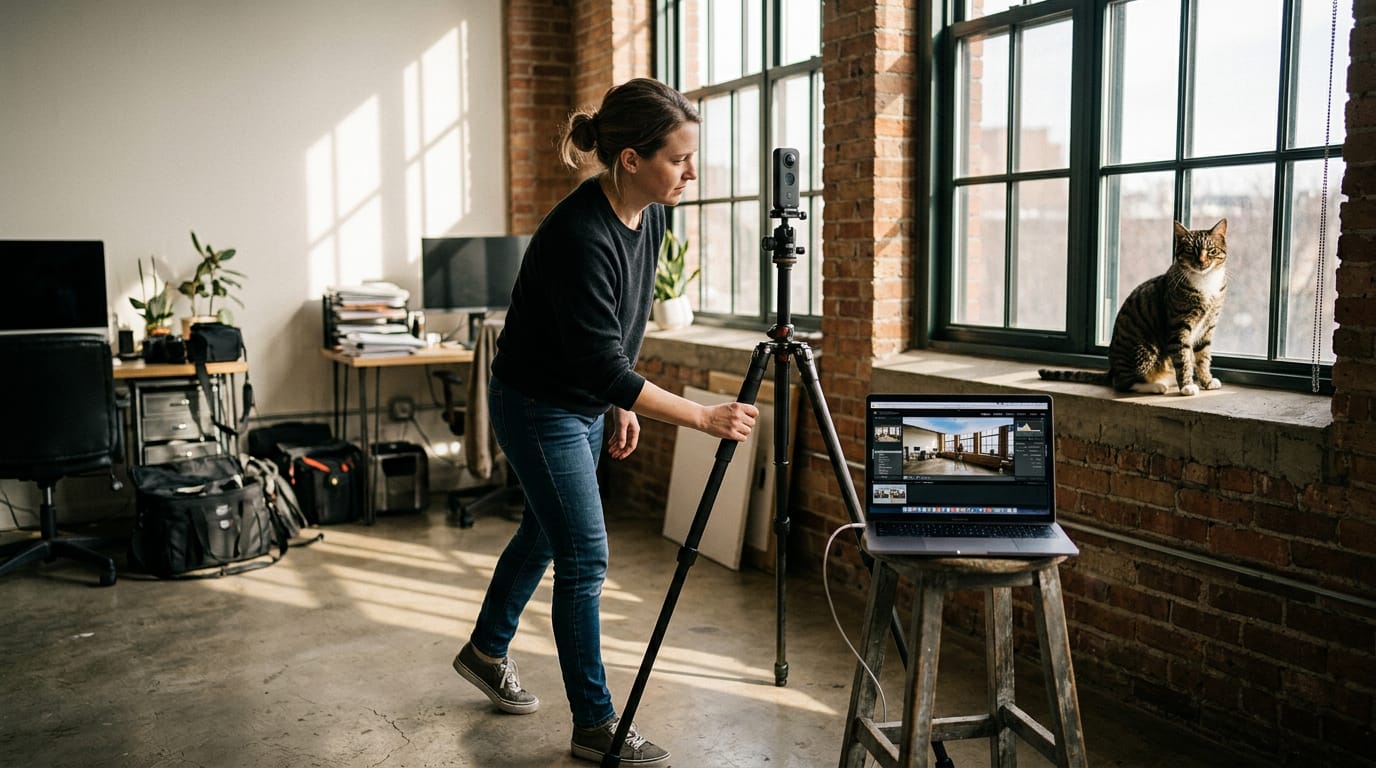
Picture a freelance real estate photographer shooting a small loft. She locks her settings, shoots a full ring of frames, then adds one straight up and one straight down.
The stitched file lets the agent send a walkthrough link instead of booking a site visit for every buyer.
Here’s the short version:
- Level the tripod and lock exposure so frames match.
- Shoot a full ring of overlapping frames, plus the sky and floor.
- Stitch the frames in your software and export.
Stitching software comes in two flavors. Free options cost nothing up front, while subscription programs charge a recurring fee. Match the choice to how often you’ll deliver 360 work.
Common stitching errors, and how to fix them:
- Ghosting: a moving person appears twice. Fix: shoot fast or wait for stillness.
- Visible seams: the join between frames shows as a line. Fix: add overlap and lock exposure.
- Parallax: nearby objects split apart when the camera doesn’t rotate around one fixed point. Fix: use a panoramic tripod head.
Overlap is everything.
How do you view a 360 photo?
A 360 photo is less about what the camera saw and more about where the viewer looks. On a VR headset, they look around by turning their head. On a computer, they drag the mouse or use arrow keys.
On a phone, the picture follows the device as it tilts and turns.
Think of a boutique hotel owner who sends guests one link to a 360 tour of the lobby and rooms. They open it on their phones while still choosing where to stay, so the owner answers fewer questions on calls. A tour opened on phones and desktops needs responsive design so the layout fits each screen.
Test before you send.
Stock Images and File Formats
Not every 360 degree image needs a fresh shoot, so this section covers stock files, converting your own photos, and the file details to check.
Ready-made panoramas to download or buy
Here’s what you’ll find on stock sites:
- Free and premium photos: Free files cost nothing, but they still come with usage terms, so don’t skip the license.
- Vectors, templates, and PSD files: A PSD is an editable Photoshop document, so you can swap in a client’s signage without rebuilding the scene.
- Aerial drone panoramas: a sweeping overhead view of a site.
- Landscape and cityscape panoramas: a place captured from ground level.
Buying is faster than shooting, but a stock file is rarely unique to your client. Ask whether they need one nobody else can use.
Take a freelance designer building a virtual lobby tour for a dental office. They start from a template, swap in the client’s signage, and skip building the scene from nothing.
How can I convert photos to VR?
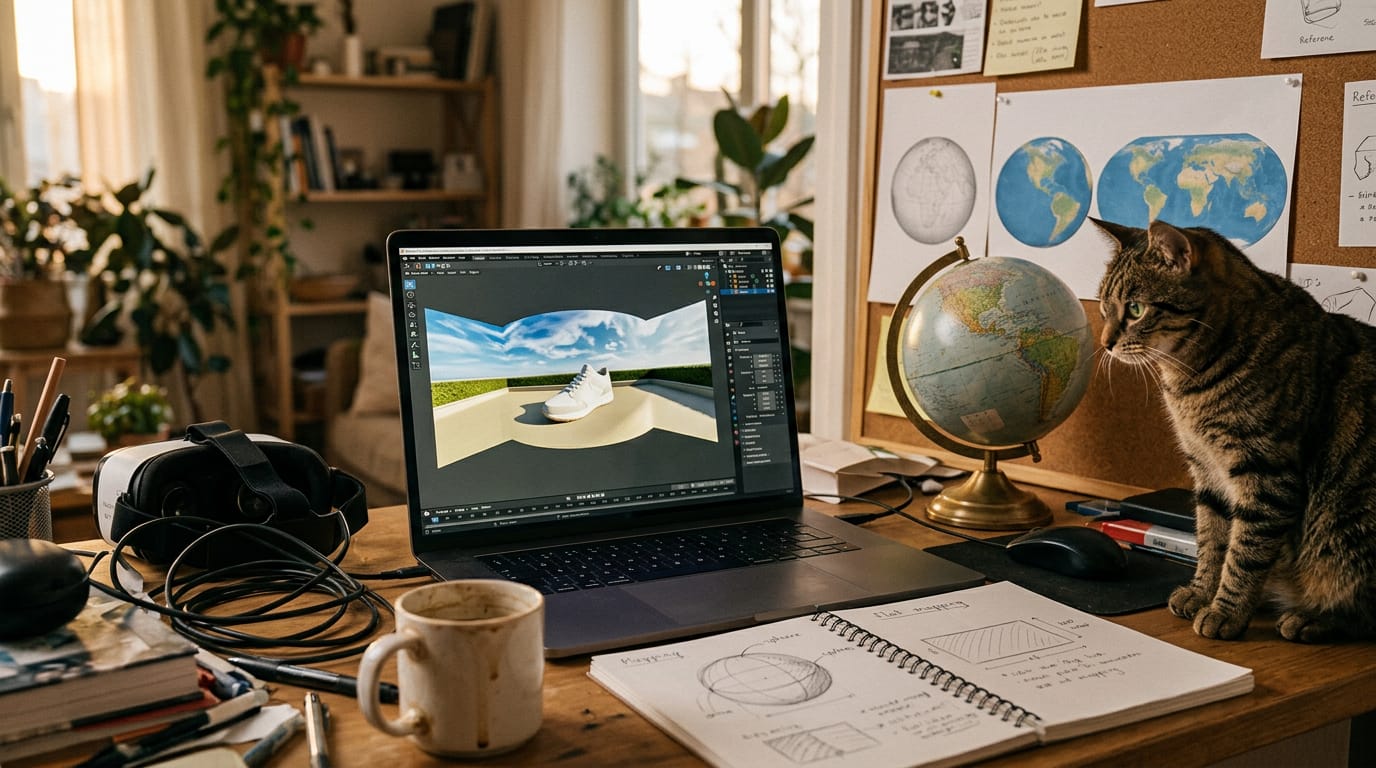
To convert your photos to VR, stitch them into one wide image, then export it as an equirectangular projection. That’s a flat version of the full sphere of view, the same way a world map flattens the globe.
A VR viewer wraps the flat file back into a sphere, so you can look in any direction.
For 3D work, a seamless spherical HDRI (high dynamic range image, which captures a wider range of light than a standard photo) lights the whole scene. Its edges match, so it wraps without a visible seam.
Add a sky dome, a curved backdrop that holds the sky image, to finish the set.
Say a 3D illustrator is rendering a product for an outdoor ad. They light the scene with a seamless HDRI under a sky dome, so the shadows match the sky in the final image, and the client skips a second shoot.
The same files power VR/AR content (virtual reality and augmented reality), so one panorama can serve several projects.
Before you export, check the file format and size your publishing platform accepts, since those rules vary. Keep a high-resolution master too, so you can make smaller copies later.
Where 360 Degree Photos Get Used
Some clients ask for a 360-degree photo by name. Many just want a tour.
Virtual tours for homes and hotels
A virtual tour lets people walk a space from their screen. Common users include:
- Hotels and homes: guests and buyers see the space first.
- Tourist places: visitors plan their route ahead.
- Real estate agents: out-of-town buyers check the kitchen and light.
- Travel agencies: clients picture a resort before booking.
- Hospitality managers: guests see the room they’ll actually get.
Delivering tours comes down to hosting and embeds. Host the tour somewhere reliable, then embed it on the listing or hotel site so visitors stay on the page.
For example, a freelance photographer shoots a family home, hosts the tour, and embeds it on the agent’s listing page. Now the agent answers “What’s the kitchen like?” with a link. Fewer calls.
Relive the mood of weddings and concerts
Weddings and concerts are the classic case for event atmosphere, which a single frame can’t hold: the stage glow, the packed floor, the lights overhead.
It’s less about one perfect moment and more about the room around it. Guests can step back in later, whether that’s a couple or a fan returning to the venue.
For example, a wedding photographer delivers a 360 view of the reception hall with the gallery. The couple’s parents can revisit the room where the toasts happened. Check your contract if the venue wants to reuse the tour.
Showing products and places to buyers
In marketing and advertising, 360-degree photos can build buyer confidence when they showcase products or locations.
Kothari and Sharma’s study of online furniture buying notes that sensory engagement builds emotional confidence in the product, reducing hesitation and leading to quicker purchase decisions.
That helps buyers make informed decisions: they can look around before committing, not just scroll a few stills. For example, a freelance photographer shoots a small furniture maker’s showroom so an out-of-town buyer can check the finish before ordering.
When we quote a 360 shoot, we list the tour as its own line item beside the stills. Clients then decide whether it belongs on every listing or just the top one.
A 360 degree photo is really a way of letting people look around on their own terms. Once you understand how it’s captured, stitched, and viewed, you can pick the right tools, price the extra time fairly, and hand clients files they can actually use.
Whether you’re shooting one room or a full showroom tour, the goal stays the same: give the viewer a place to explore. Give them the whole space, and they’ll decide for themselves what matters.
References
Questions
What is 360 degree photography?
A 360-degree photo is a controllable panoramic image that captures the view all around one camera position, including up and down. Viewers can drag, tilt, or turn to explore the scene rather than seeing only one fixed frame.
How to make a 360 degree angle photo?
Use a dedicated 360 camera to capture the full sphere in one go, or take overlapping photos from one fixed position with a regular camera. Keep the camera level, lock the exposure, photograph a full ring plus the sky and floor, then stitch the images together in software and export the panorama.
How can I convert photos to VR?
Stitch your photos into one wide image and export it as an equirectangular projection, a flat image representing the full sphere of view. A compatible VR viewer wraps the image into a sphere so viewers can look around; check the platform’s accepted file format and size before exporting.
How do you view a 360 photo?
Open the 360 photo in a viewer or platform that supports panoramic images. On a computer, drag with the mouse or use arrow keys; on a phone, tilt and turn the device; with a VR headset, turn your head to look around.