HoneyBook vs Dubsado vs Bonsai vs Moxie for freelancers
What one person pays for proposals, contracts and invoices in each app, from the makers’ own pages, with exports, where each works and the free route.


Contents
On the cheapest plan that sends proposals, contracts and invoices, Moxie costs $120 a year, Bonsai $228, Dubsado $335 and HoneyBook $348, from the makers’ pricing pages on October 27, 2026. Choose on what that plan leaves out, where you work and how you would get your data out; if you send a few invoices a month, templates and a free invoicing app may be enough for now.
For a one-person studio, Moxie’s Starter plan is the cheapest of the four that sends proposals, contracts and invoices, at $120 a year billed yearly. Bonsai Essentials is $228, Dubsado Starter $335 and HoneyBook Starter $348. Those are the prices on each maker’s own pricing page on October 27, 2026, and none of the apps has been tested for this article: everything below comes from what the makers publish. Price isn’t the whole choice. HoneyBook serves only businesses in four countries, Moxie’s cheapest plan has no client portal, and none of their exports includes your signed contracts. And if you send a handful of invoices a month, you may not need any of them yet.
What these apps do, and whether you need one yet
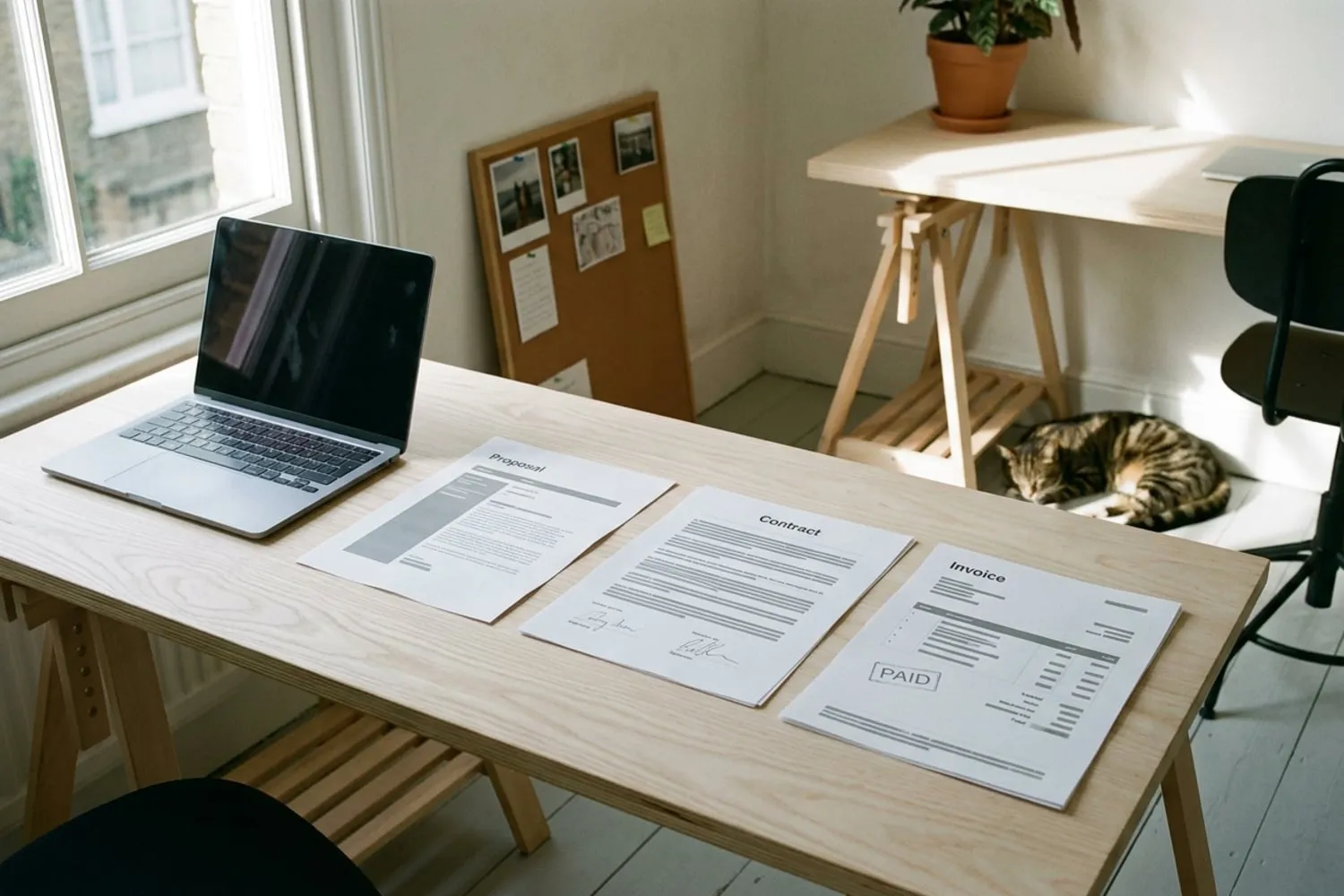
All four put the paperwork of a project in one place: a proposal the client accepts, a contract they sign online, an invoice they pay by card or bank transfer, and the forms, scheduling and client records around them. The saving is in not retyping a client’s details and the fee into three documents, and in emails that go out without you.
What they don’t do is write the documents. The scope, the rounds of revisions, the options and the deposit are still yours to decide, and how to write a freelance proposal walks through them. An app that sends a vague proposal beautifully is still sending a vague proposal.
A contract signed in any of them is signed electronically. In the US, the federal ESIGN Act says a contract can’t be denied legal effect solely because an electronic signature was used to make it. That settles the signature, not the contract: what it says and who signed it matter as much as they do on paper.
You can wait if you take on a few projects a month and your accounting app already sends invoices. The case for an app grows with the number of proposals you send, and with how often you find yourself chasing a late invoice by hand.
The four side by side
The table at the top compares the cheapest plan in each app that does all three jobs. This one is what that plan costs one person for a year, and what each says it takes when a client pays you online.
| App and plan | A year, billed yearly | Billed monthly | Card payments | Bank transfers |
|---|---|---|---|---|
| HoneyBook Starter | $348 | Not shown | From 2.7% + 10¢ | 1.5% |
| Dubsado Starter | $335 | Not shown | Through Stripe, Square or PayPal | Depends on the processor |
| Bonsai Essentials | $228 | $25 a month ($300) | 2.9% + 30¢ | 1% ($1 minimum) |
| Moxie Starter | $120 | $12 a month ($144) | Through Stripe or PayPal | Through Stripe, US accounts only |
Bonsai prices per user, which makes no difference to a studio of one. Payment fees through Stripe, Square or PayPal are set by those processors and vary by country. The Tools page lists all four, at the same prices, beside the accounting apps that can stand in for them.
HoneyBook
HoneyBook Starter is $29 a month billed yearly; the pricing page offers monthly billing but doesn’t show its price. Starter covers unlimited clients and projects, proposals and contracts, invoices and payments, a client portal, up to two live lead forms and a scheduler for one session type. Automations, unlimited session types, SMS reminders, QuickBooks Online sync and removing “Powered by HoneyBook” start on Essentials, at $49 a month billed yearly. The trial runs 30 days with no card.
The catch is geography: HoneyBook says it supports only businesses in the US, Canada, the UK and Australia. On fees, its pricing page gives card payments from 2.7% plus 10¢ in the FAQ and 2.9% plus 25¢ in the plan table, so check which applies to you at signup; bank transfers are 1.5%. HoneyBook’s help center documents exporting your contacts list as a CSV spreadsheet: names, emails, phone numbers, addresses, notes and the date each was added.
Dubsado
Dubsado Starter is $335 a year, and all its prices are in US dollars; the page shows no monthly price. Starter includes unlimited clients and projects, invoices with payment plans and recurring invoices on autopay, contracts with e-signatures and countersigning, forms, client portals, one active lead capture form and three extra users at no charge. On Starter, proposals can only be sent inside a project. Public proposals you share as a link, the scheduler, automated workflows, QuickBooks and Xero sync and Zapier come with Premier, at $525 a year. The trial gives you 21 days of Premier with no card.
Card payments go through Dubsado Payments, which runs on Stripe and is supported in a growing list of countries, or through Square or PayPal. Dubsado lets you export your projects as a CSV file, with client details, invoice totals and any custom fields; your contact list exports separately.
Bonsai
Bonsai’s cheapest plan, Basic at $9 a month billed yearly, leaves out invoices, proposals and contracts, so the plan to compare is Essentials: $19 a month billed yearly or $25 billed monthly. It adds invoices and payments, proposals and contracts, forms and questionnaires, scheduling, a client portal and expense and income tracking. QuickBooks, Xero and Zapier connections and removing Bonsai’s branding start on Premium, at $29 a month billed yearly. The trial lasts seven days, then you choose a plan and add a card.
Bonsai’s own payments work in the US, the UK, Canada and Australia, at 2.9% plus 30¢ for most cards and 1% for bank transfers, with a $1 minimum on transfers. Elsewhere you connect Stripe instead. Paying through Stripe or PayPal, or being paid from abroad, can add fees of its own, so check Bonsai’s help center for the current figures before you set your prices. Bonsai exports invoices, projects, tasks, expenses, companies and time tracked, each as its own CSV file.
Moxie
Moxie Starter is $10 a month billed yearly, which is $120 a year, or $12 billed monthly. It includes client and project management, invoicing and payments, proposals, quotes and contracts, time tracking, a sales pipeline, basic accounting, a form builder and meeting schedulers. The client portal, workflow automations, QuickBooks sync and Zapier and other connections come with Pro, at $20 a month billed yearly or $25 monthly. The trial runs 14 days.
Prices are in US dollars, and the pricing page names no country limits. Clients pay through Stripe (cards, Apple Pay and Google Pay, plus bank transfers on US-dollar invoices to US bank accounts) or through PayPal. The workspace owner can export the whole workspace as an Excel workbook, and the export stays available after a subscription lapses.
The free route: Invoice Ninja, or templates and your accounting app
If you aren’t ready to pay for a year, there are two ways to do the same jobs for free.
- Invoice Ninja. The free plan covers up to five clients with unlimited invoices, quotes, a client portal and online payments through Stripe, PayPal, Square and other gateways. There is no contract builder, so the contract goes as your own document. Pro, at $140 a year, lifts the client limit.
- Templates and your accounting app. Write the proposal and contract once as documents, send them as PDFs and keep the signed copies, and send invoices from an accounting app with a free plan, such as Wave on the Tools page. The Studio Kit has the set, from the creative brief to the invoice, including the onboarding questionnaire you would otherwise build as a form in one of these apps.
Templates cost you some copying between documents and a reminder in your calendar for each invoice. For a studio with a few clients at a time, that can be a fair trade for $120 to $348 a year.
How to choose, and how to leave
- Start with where you work. Outside the US, Canada, the UK and Australia, HoneyBook is out, and Bonsai means connecting Stripe. Check that Stripe or PayPal supports your country before you start a trial anywhere.
- Then what the cheapest plan leaves out. If you want a client portal, compare Moxie Pro at $240 a year with Bonsai Essentials at $228, Dubsado Starter at $335 and HoneyBook Starter at $348, since all four include one at those prices. If you want automations, Moxie Pro is $240 a year, Dubsado Premier $525 and HoneyBook Essentials $588; Bonsai’s pricing page lists automations without saying which plan includes them.
- Run one real project through the trial. Send yourself the proposal, the contract and the invoice from a second email address, and open each on your phone, as your client will.
- Pay monthly until you are sure, where the app offers it. A yearly plan is cheaper only if you stay the year.
- Plan your exit before you need it. Each export above is a spreadsheet of records, not your signed contracts. Download a PDF of every signed contract and paid invoice as you go, and keep them with the rest of your backups (our backup strategy for freelancers has the checklist), so leaving an app never means losing a client’s paperwork.
Whichever you pick, the app only carries the paperwork; the terms in it are still yours. More on proposals, contracts and working with clients is in Clients.
The cheapest plan with proposals, contracts and invoices
| Pick | Plan | Price | Free trial | Needs a higher plan | Where it works |
|---|---|---|---|---|---|
| HoneyBookHoneyBook pricing | Starter | $29/month billed yearly ($348); monthly price not shown | 30 days, no card | Automations, QuickBooks sync, more than one session type | Businesses in the US, Canada, the UK and Australia |
| DubsadoDubsado pricing | Starter | $335/year; monthly price not shown | 21 days of Premier, no card | Workflows, scheduler, public proposals | Payments by Stripe in a growing list of countries, Square or PayPal |
| BonsaiBonsai pricing | Essentials | $19/month billed yearly ($228); $25 billed monthly | 7 days | QuickBooks and Xero sync, removing Bonsai branding | Own payments in the US, UK, Canada and Australia; Stripe elsewhere |
| Lowest priceMoxieMoxie pricing | Starter | $10/month billed yearly ($120); $12 billed monthly | 14 days | Client portal, automations, QuickBooks sync | Prices in US dollars; payments by Stripe or PayPal |
Questions
Is HoneyBook or Dubsado better for a freelancer?
Neither is better across the board, and their cheapest plans cost almost the same: $348 a year for HoneyBook Starter and $335 for Dubsado Starter. HoneyBook serves only businesses in the US, Canada, the UK and Australia; Dubsado takes payments in more countries but keeps proposals inside projects until you pay for Premier. If you want automations, compare HoneyBook Essentials at $49 a month billed yearly with Dubsado Premier at $525 a year.
Is there a free alternative to HoneyBook?
None of the four has a free plan, only a free trial. Invoice Ninja is free for up to five clients, with quotes, invoices, a client portal and online payments, but it has no contract builder. Templates for the proposal and contract, plus the free invoicing in an accounting app such as Wave, cover the same ground with more copying.
Can I take my clients and documents with me if I switch?
Your client and project records, yes: HoneyBook exports your contacts as a spreadsheet, Dubsado your projects and clients as CSV files, Bonsai your invoices, projects and expenses as CSV files, and Moxie your whole workspace as an Excel workbook. A spreadsheet is not a signed contract, though. Save a PDF of every signed contract and paid invoice to your own backup as you go.
Are contracts signed in these apps legally binding?
In the US, federal law says a contract cannot be denied legal effect just because it was signed electronically, and all four apps take electronic signatures. Whether a particular contract binds depends on the same things as on paper: what it says, that both sides agreed to it and that the person signing could sign for the client. For a large project, a client abroad or anything unusual, have a lawyer read the contract before you send it.
Sources
- HoneyBook pricing, HoneyBook
- Dubsado pricing, Dubsado
- Bonsai pricing, Bonsai
- Moxie pricing, Moxie